

5 Signs Your Construction Company Has Outgrown Spreadsheets
Construction project management software becomes necessary when schedules, job costing, photos, and field updates start breaking down across too many disconnected spreadsheets.
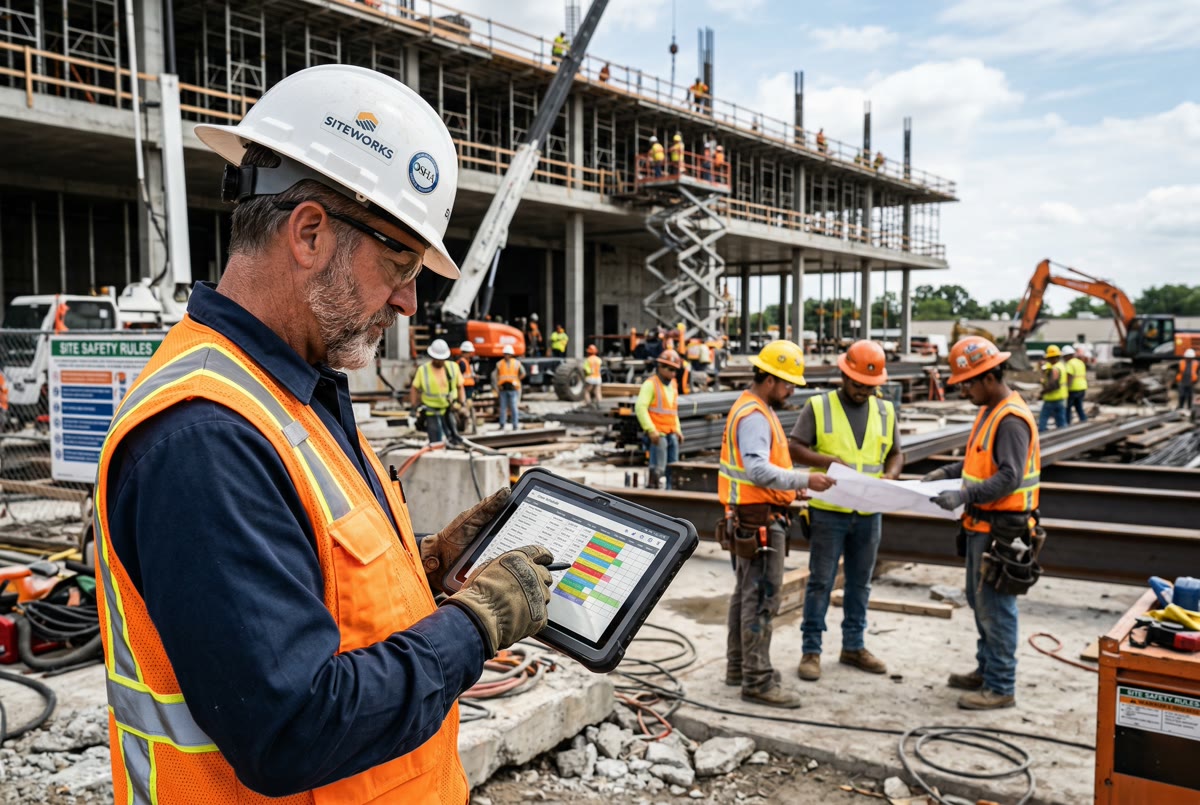
Spreadsheets are useful right up until they become the thing slowing the company down. Most construction businesses do not outgrow spreadsheets overnight. It happens gradually: one more crew, one more project manager, one more change order, one more client asking for an update while the latest information is sitting in somebody else's file.
At first, the spreadsheet feels flexible. You can add columns, duplicate tabs, colour-code priorities, and build whatever tracker you need. But flexibility is not the same as control. When the business grows, the question changes from "Can we track this?" to "Can everyone trust this information right now?"
If that answer is getting shaky, here are five signs your construction company has outgrown spreadsheets and is ready for construction project management software.
1. Nobody Knows Which Version Is Current
The classic warning sign is version chaos. There is a schedule in Google Sheets, a downloaded Excel copy on someone's desktop, a screenshot in a group text, and a printed version sitting in a truck. Everyone thinks they are working from the plan, but they are not working from the same plan.
That creates real field problems. A crew shows up before materials are ready. A subcontractor arrives after the site has shifted. A project manager gives a client an update based on yesterday's numbers. None of these mistakes look dramatic by themselves, but they stack up fast.
Construction project management software gives the team one live source of truth. The office updates the schedule once, and the field sees the same information without waiting for a new file, screenshot, or phone call.
2. Field Updates Still Depend on Text Messages
Text messages are fine for quick communication. They are terrible as an operating system. Photos, notes, delays, questions, and approvals get buried in long threads. A useful job update becomes almost impossible to find two weeks later when someone asks what happened.
The problem is not that your crew is communicating too much. The problem is that the communication is not attached to the job. A photo should live with the site, date, worker, and task it belongs to. A note about a delay should be visible to the office without someone forwarding screenshots around.
Once field updates become part of the job record, your company stops relying on memory and message archaeology. That matters for client communication, billing backup, warranty questions, and protecting the business when there is a dispute.
3. Job Costing Is Always a Week Behind
Spreadsheets can calculate job costing, but they only work when the inputs arrive on time. In a busy construction business, labour hours, materials, expenses, photos, and change details often show up late or in different places. By the time someone updates the spreadsheet, the information is already old.
That delay makes it harder to protect margins. You find out a job is drifting after the damage is done. You invoice later than you should. You miss patterns because the data is scattered across time sheets, receipts, emails, and files.
A better system connects the field activity to the financial picture faster. Time entries, job notes, photos, products, expenses, and approvals all point back to the work they belong to, so managers can see problems while there is still time to correct them.
4. Admin Work Keeps Growing Faster Than Revenue
A spreadsheet-heavy process usually creates hidden labour. Someone has to clean up entries, chase missing information, copy data between systems, rename files, reconcile time, and answer the same status questions over and over. As the company grows, that admin load grows with it.
This is where many contractors feel stuck. They are busy enough to need better systems, but the team is already too busy to implement them. So the office keeps absorbing the chaos manually. That is expensive, and it burns people out.
Good construction software does not eliminate admin work, but it should reduce duplicate entry and make routine updates easier. The goal is simple: capture information once, in the place where the work happens, and reuse it everywhere it is needed.
5. Growth Makes the Business Feel Less Controlled
The clearest sign is the feeling that every new job adds more uncertainty. More work should be exciting. If it mostly creates scheduling confusion, missed details, delayed billing, and constant interruptions, the operating system is the bottleneck.
Spreadsheets depend on a few people knowing how everything fits together. That works when the company is small. It gets fragile when you add crews, managers, trades, clients, and job types. At that point, the business needs repeatable workflows, permissions, activity history, and field-friendly tools.
That does not mean every contractor needs a giant enterprise system. It means your day-to-day work needs to live somewhere built for construction operations, not inside a file that was never meant to run a field business.
What to Look for When You Move Beyond Spreadsheets
If these signs sound familiar, start with the workflows causing the most pain. For many contractors, that means scheduling, job communication, time tracking, photo documentation, and job costing. Do not buy software just because it has a long feature list. Buy the system that helps your team trust the plan and capture work as it happens.
Look for tools your field team can actually use from a phone, even on messy job sites. Look for clear job records, searchable activity, permissions, approvals, and reporting that gives the office visibility without constantly interrupting the crew.
Most importantly, treat the move away from spreadsheets as an operations decision, not just a technology decision. The goal is not to digitize the chaos. The goal is to build a cleaner way to run the work.
The Bottom Line
Spreadsheets are a great starting point. They are not a long-term operating system for a growing construction company. If your team is fighting version issues, buried field updates, delayed job costing, duplicated admin work, and less control as you grow, it is time to move the work into a system built for the field and the office together.