
How to Track Employee Hours on Construction Sites (Without the Headaches)
Construction time tracking software with GPS geofencing eliminates buddy punching and time theft. Learn how mobile timesheet apps work and what features matter most for contractors.
If you've run crews for any length of time, you already know the drill. Friday rolls around, you're trying to close out the week, and half your timesheets are wrong. One guy logged 10 hours on Tuesday but you know damn well he left at 2. Another one counted his drive from home as job time. And the paper sheet from the Thompson job? It went through the wash in someone's back pocket.
This isn't a minor admin problem. It's eating your margins. If you're looking for a better way to track employee hours on job sites, this guide covers what actually works.
How Much Does Time Theft Cost Contractors?
Here's a number that should make you put down your coffee: buddy punching alone costs U.S. employers an estimated $373 million every year. That's when one worker clocks in or out for a coworker who isn't there yet, or already left, or didn't show at all.
Zoom out further and the picture gets uglier. According to the American Payroll Association, time theft costs businesses between 1.5% and 5% of gross payroll annually. And roughly 74% of employers report payroll losses tied directly to it.
On a $2 million payroll, 5% is $100,000. Gone. Not from one big mistake you can point to. Just... gone, quietly, in 15-minute increments across a hundred timesheets.
In construction specifically, the problem compounds. You've got multiple job sites, crews that rotate, workers who self-report, and supervisors who are too busy managing the actual work to babysit clock-in times. It's a system that was basically designed to leak money.
And that's before you factor in the downstream effects: inaccurate job costing, disputes at payroll, incorrect billing to clients, and the hours your office manager spends trying to reconcile it all.
What Is the Best Way to Track Hours on a Construction Site?
Let's go through each honestly.
Paper Timesheets: Paper still exists on a lot of job sites, and there's a reason for that: everyone knows how to use it. No app to download, no login to forget, no battery to die. But the problems are real. Timesheets get lost, filled out wrong, or filled out all at once on Friday from memory. There's no accountability built in. Paper works when you have one small crew, a foreman you completely trust, and every job is local. The moment you scale past that, it starts costing you more than it saves.
Basic Time Tracking Apps: A step up from paper. Workers clock in and out on their phone, data syncs to the office automatically, and you get digital records instead of wet, crumpled forms. The catch: most basic apps don't verify where someone is when they clock in. A worker can be sitting in their car, still 20 minutes from the site, and clock in without a problem. They solve the lost-paperwork problem and reduce manual data entry. They don't solve time theft.
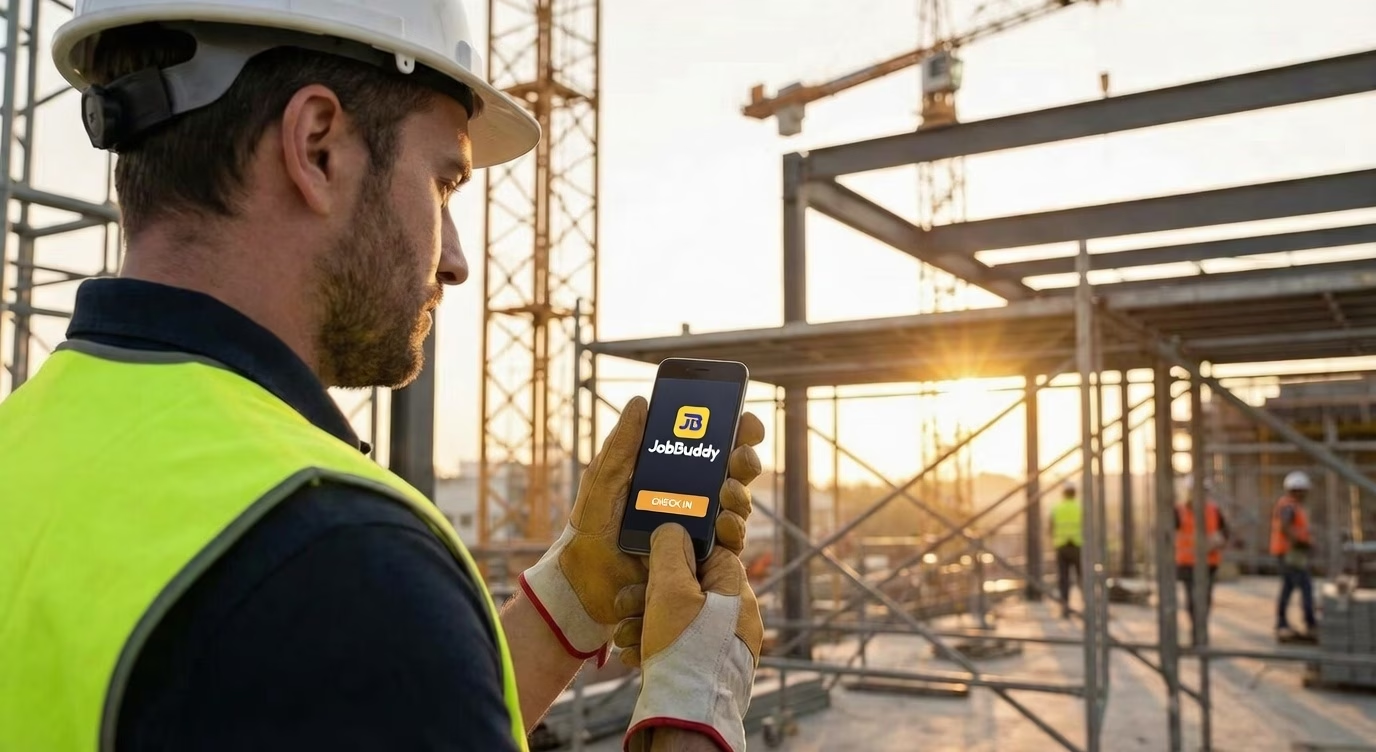
GPS Time Tracking Apps: This is where things get useful for construction. A GPS-enabled construction timesheet app ties clock-in and clock-out to a physical location. Workers can only punch in when they're actually on site, and their location is logged throughout the day. You can also see movement during the day, which matters more than people think. The tradeoff is adoption. Some workers push back on GPS tracking, and how you handle that rollout will determine whether the tool actually gets used properly. See how JobBuddy's GPS time tracking works →
What Features Should a Construction Time Tracking App Have?
There's a lot of software out there, and most of it is built for office workers. If you're putting it in front of a crew that's been on job sites for 20 years, the bar is different.
It has to work offline: Cell coverage at job sites is unreliable. If the app breaks when there's no signal, your crew will abandon it fast. Look for apps that store data locally and sync when connection is restored.
Clock-in has to be fast: If it takes more than 30 seconds to punch in, people won't do it right. They'll batch-enter at the end of the day, which defeats the purpose. One or two taps, done.
Geofencing should be easy to set up: You shouldn't need an IT department to draw a boundary around a job site. Good apps let you drop a pin, set a radius, and go. A 300-foot radius is usually enough for most sites.
Multiple job codes and cost codes: On a real job, workers switch between tasks. Rough framing, site cleanup, punch list work. If your time tracking app can capture that breakdown, your job costing gets dramatically more accurate.
Foreman approval flow: Crew leads should be able to review and approve time before it hits payroll. This catches errors at the source rather than in the office.
Payroll integration: If your time tracking app doesn't talk to your payroll software, someone is manually re-entering data. That's a mistake waiting to happen and hours of admin time you're paying for.
How Does GPS Geofencing Work for Time Tracking?
Geofencing sounds technical but it's a pretty simple concept in practice. You draw a virtual boundary around your job site using GPS coordinates. Usually you just drop a pin on a map and set a radius. When a worker's phone enters that boundary, the app can automatically prompt them to clock in. When they leave, it prompts them to clock out.
More practically, most apps use geofencing as a verification layer rather than automation. The worker still manually clocks in, but if they're outside the boundary, the clock-in gets flagged. You can choose whether to block it outright or just log it for review.
The accuracy depends on the GPS hardware in the phone. Modern smartphones are typically accurate to within 10 to 15 feet in open areas. On a dense urban site surrounded by tall buildings, you might see some drift. That's why most apps recommend a minimum 100 to 200-foot radius so you're not generating false alerts when a worker is standing right at the boundary.
One thing to think about: job sites move. On a large commercial site, the active work area shifts week to week. Your geofence should be easy to adjust as the project progresses.
Getting Crew Buy-In (The Hard Part)
Here's the real talk: the technology is the easy part. Getting your crew to use it consistently is where most implementations fail.
The resistance usually comes from two places. First, some workers genuinely don't like the idea of being tracked. They see it as a lack of trust. Second, some workers resist because they know the current system lets them pad hours, and they'd rather things stay the way they are.
For the workers who feel surveilled, the conversation is about being straight with them. Tell them what the app tracks and what it doesn't. Explain that it protects them too. If there's ever a dispute about whether they worked on a certain day or how many hours they put in, the data is there. GPS logs have settled more than a few "I wasn't there" arguments in a worker's favor.
For the ones gaming the system, consistent enforcement of the new process is the answer. Not confrontation upfront, just accountability. When the system makes fudged hours visible, behavior changes. It usually doesn't take long.
Do a hands-on demo, not a memo: Gather the crew, pull up the app, show them how it works in about five minutes. Most workers will figure it out immediately once they see it.
Start with a pilot crew: Pick your most reliable foreman and their team. Work out the kinks before you roll it to everyone. When other crews see their colleagues using it without drama, they're less resistant.
Get your foremen bought in first: If the foreman is enthusiastic about it, the crew follows. If the foreman is rolling their eyes at it, you're going to fight the rollout forever. Explain the job costing angle to your foremen specifically. They care about looking good against budget.
Don't make the first few weeks about enforcement: Let people get used to the system. Fix the friction points. Once the habit is formed, then you tighten things up.
Frequently Asked Questions
What is buddy punching and how do you prevent it? Buddy punching is when one worker clocks in or out for a coworker who isn't actually there. GPS-enabled time tracking apps prevent this by verifying the worker's physical location before allowing a clock-in. If they're not on the job site, the punch gets blocked or flagged.
Can construction time tracking apps work without cell service? Yes, the best field service time tracking apps work offline. They store clock-ins locally on the device and sync to the cloud when a connection is restored. This is critical for remote job sites with spotty coverage.
How accurate is GPS time tracking? Modern smartphone GPS is accurate to within 10-15 feet in open areas. Most apps use geofencing with a 100-300 foot radius around job sites to account for any GPS drift while still verifying the worker is on location.
Do workers resist GPS time tracking? Some do initially. The key is transparency: explain what's tracked, emphasize it protects them too (in disputes about hours), and start with a pilot crew. Once workers see it's not invasive and makes payroll accurate, resistance fades.
The Bottom Line
Bad time tracking is a slow leak. You probably don't feel any single week of it, but over a year it adds up to real money and real headaches trying to figure out why your job costs keep coming in higher than expected.
The solution isn't complicated. Get location-verified timesheets, connect them to your payroll, and give your foremen the visibility to catch problems before they hit your books. The technology to do this well exists and it's not expensive.
The companies that figure out how to track employee hours on construction sites accurately are the ones that can actually bid jobs confidently and know where their money is going. Ready to see it in action? Book a demo →