
GPS Time Tracking for Construction Crews: How It Works and Why It Matters
Manual timesheets are costing you more than you think. Here's what GPS time tracking actually looks like in the field, and what to expect when you roll it out.
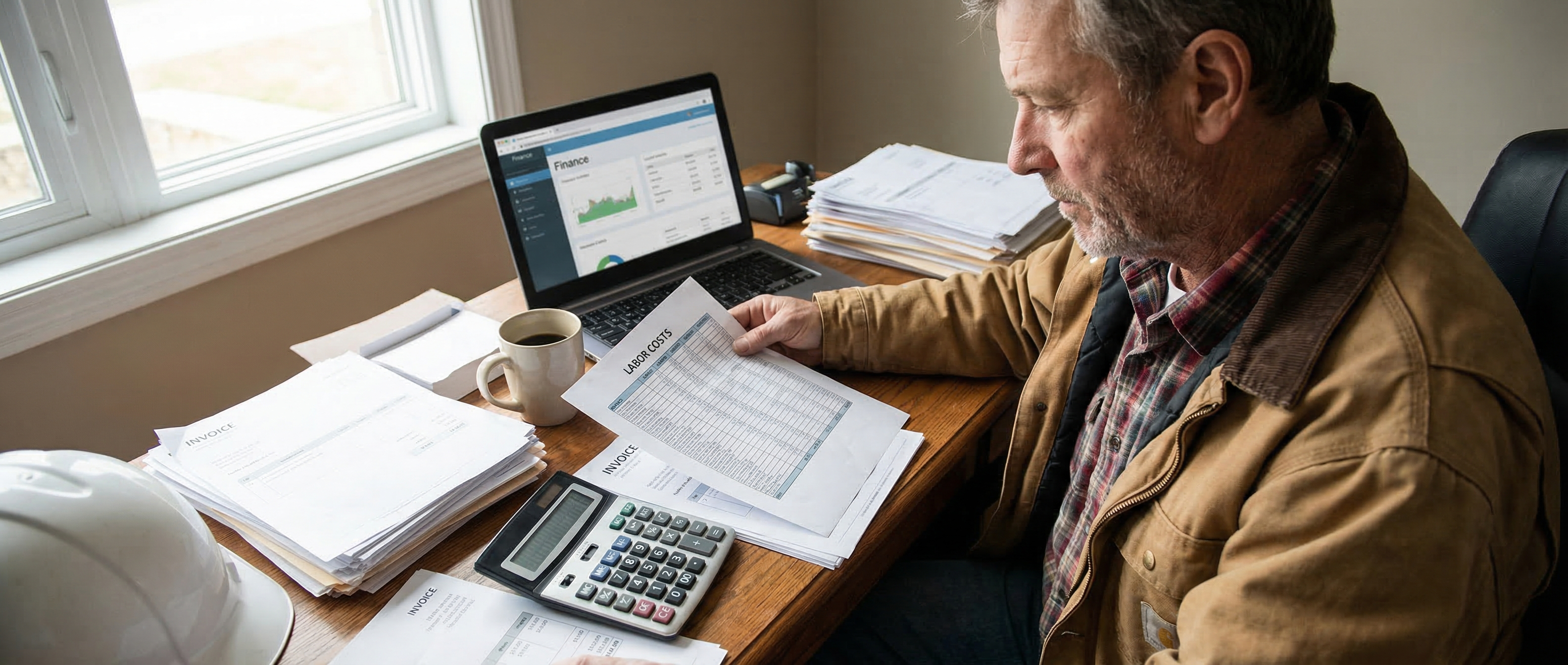
Ask any contractor how their crew tracks time and you'll get one of two answers. Either it's paper timesheets filled out on Friday from memory, or it's a group text where guys type their hours and someone copies them into a spreadsheet.
Both of those systems have the same problem: they're based on what people remember, not what actually happened.
GPS time tracking fixes that. Here's how it actually works.
The Basics
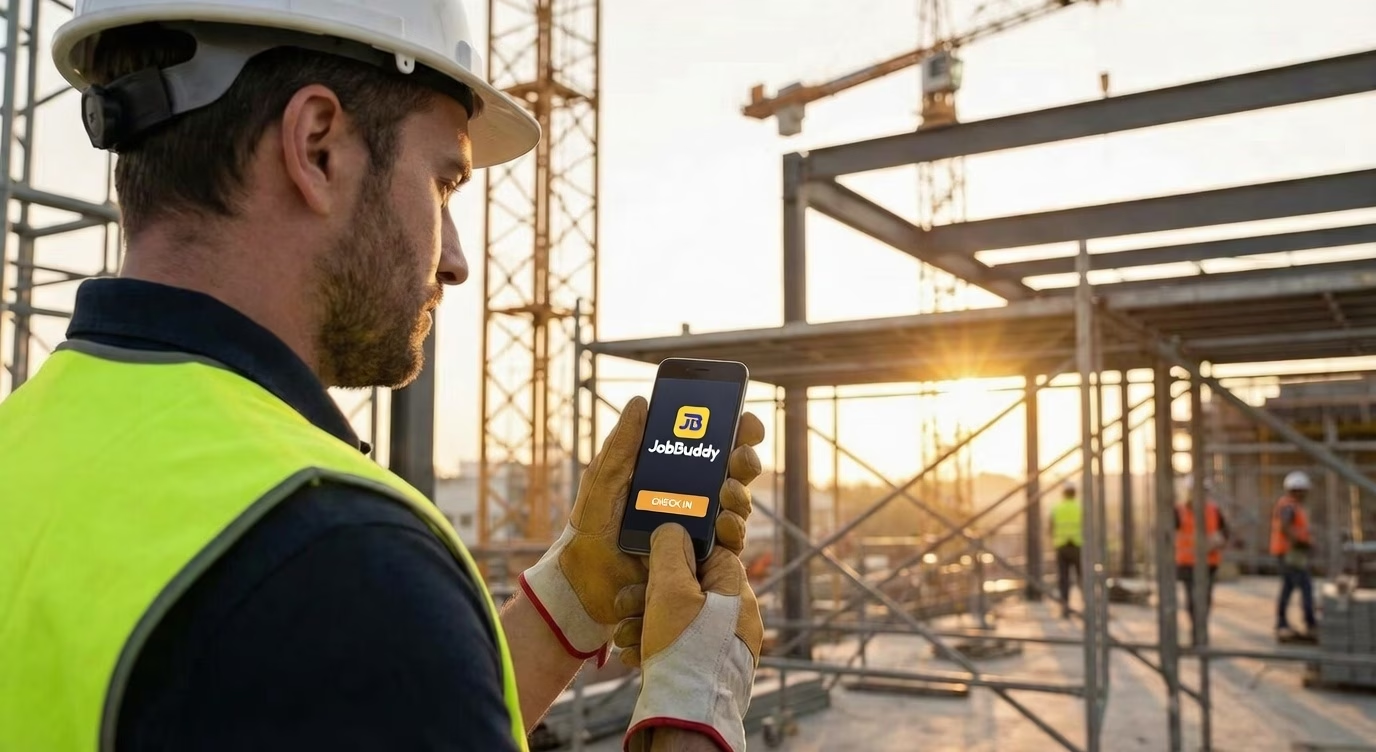
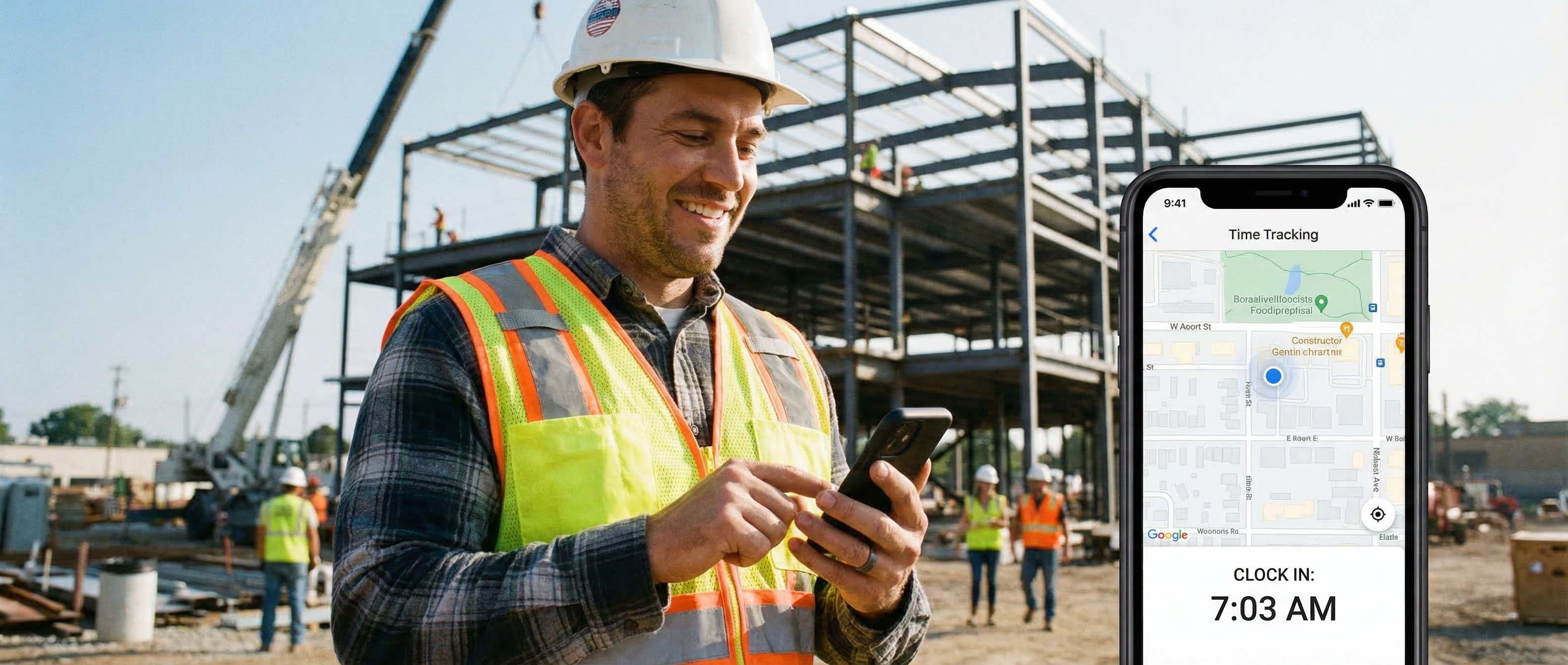
GPS time tracking ties clock-in and clock-out events to a location. When a worker arrives at a job site, their phone records the GPS coordinates and a timestamp. Same when they leave. That data goes to you automatically, no paperwork, no texts, no memory required.
The better systems use geofencing: you set a boundary around each job site, and when a worker enters or exits that boundary, they're prompted to clock in or out. It takes about five seconds and works on any smartphone.
The result is a timestamped, location-verified record of every hour worked, on every job, by every person on your crew.
What This Actually Changes
Payroll accuracy. You stop paying for hours that didn't happen, the 15-minute rounding error that adds up to real money across a crew of 10 over 50 weeks. You also stop underpaying, which matters more than people admit. Guys who feel shortchanged stop caring.
Job costing. When you know exactly how many hours went into a job, you can compare that to your estimate. Over time, you build a real picture of where your bids are tight and where you're leaving money on the table. That data is worth more than any estimating software.
Dispute protection. A client claims your crew was only on site for four hours. You have GPS-verified records showing eight. That conversation ends quickly.
Overhead visibility. How much time is your crew spending driving between jobs? Waiting for inspections? Standing around because materials didn't show up? GPS data makes those patterns visible. Once you can see them, you can fix them.
What It Looks Like in Practice
A framer shows up at 7:08am. His phone picks up the job site geofence, he taps clock in, done. He works through the day, takes lunch, clocks back in. Leaves at 3:45pm, clocks out.
You see all of that in real time. When payroll runs, the hours are already there. No calls, no spreadsheet, no guessing.
If he clocks in from a location that isn't the job site, you'll know. Not to play gotcha, but because accurate data is the foundation of a well-run operation.
Rolling It Out Without Resistance
The biggest mistake contractors make is framing GPS tracking as surveillance. That's not what it is, and if that's how it lands, adoption will be rough.
Frame it right: this is how we make sure everyone gets paid accurately, every time. This is how we protect the crew when a client questions the hours. This is how we stop the Friday-night timesheet scramble.
Most workers respond well to that. The ones who push back hardest are usually the ones padding their hours, which tells you something.
Keep it simple on their end. If clocking in takes more than 10 seconds, you'll get resistance. The best systems feel like nothing, just a tap when you arrive and a tap when you leave.
What to Look For in a GPS Tracking Tool
Offline capability matters. Job sites don't always have great cell service. The app should log the clock-in locally and sync when a connection comes back, not fail silently or give an error.
Geofencing beats manual. Asking workers to remember to clock in is asking for errors. Automatic prompts when they enter a job site boundary remove the memory requirement entirely.
Integration with job management is the multiplier. GPS data on its own is useful. GPS data attached to specific jobs, tied to your estimates, feeding into invoices, that's where it changes how you run the business.
The Short Version
GPS time tracking isn't about watching your crew. It's about having accurate data, payroll, job costs, labor hours, without anyone having to remember or report anything manually.
Once you have it, you won't go back. The question isn't whether it's worth it. It's why you waited.