

Photo Documentation: Why Every Job Site Needs a Digital Paper Trail
Job site photo documentation helps contractors prevent disputes, prove work completed, and keep crews aligned without chasing texts and camera rolls.
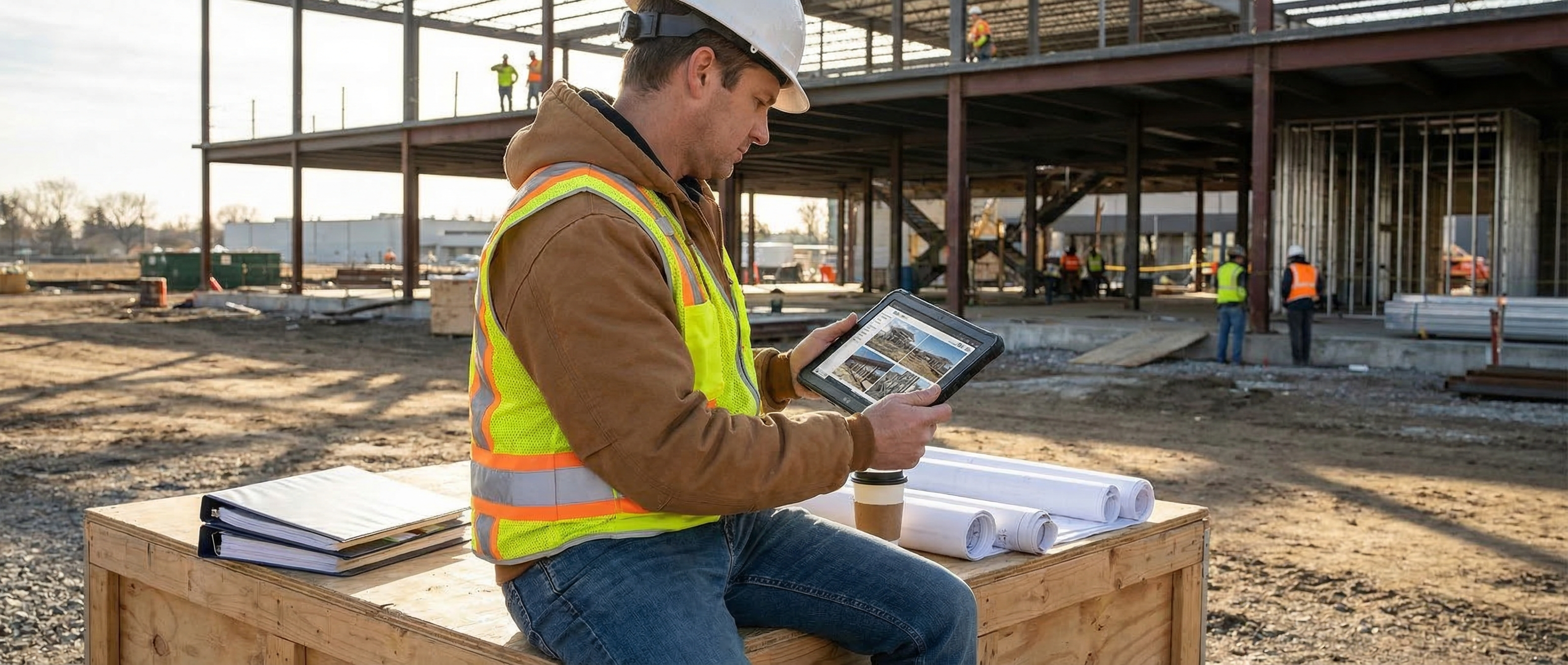
If you've ever had a customer say, 'That wasn't like that before,' you already know why job site photo documentation matters. The problem isn't just that something went wrong. It's that now you're arguing from memory.
And memory is useless once money gets involved. Change orders, damage claims, missing materials, warranty callbacks, punch list disputes — all of it gets a lot more expensive when the only proof you have is a foreman saying, 'I'm pretty sure we took care of that.'
That's why smart contractors are building a digital paper trail on every job. Not because they love admin. Because five photos at the right time can save hours of arguing later.
Why Do Contractors Need Job Site Photo Documentation?
Here's the real issue: most job site problems don't start when the complaint comes in. They start days or weeks earlier, when nobody documents the actual condition of the work.
A homeowner says a scratch showed up after your crew left. A GC says the rough-in wasn't finished on time. A client questions whether extra work was actually done. Without photos, you're stuck piecing together texts, calling crew members, and hoping somebody remembers what happened. That's a terrible system.
Good job site photo documentation gives you a timestamped record of conditions before, during, and after the work. It protects your crew. It protects your margin. And it makes you look a lot more organized when something gets challenged. See how JobBuddy handles photo documentation →
What Should Contractors Photograph on a Job Site?
You don't need 200 photos of every site. You need the right photos at the right moments. That's the difference between useful documentation and a cluttered camera roll nobody will ever search.
Before work starts: Capture existing conditions, damage already there, site access issues, material staging, and anything the customer could later blame on your crew.
During the work: Photograph rough-ins, hidden conditions, progress milestones, and change-order-related work before it gets covered up. This matters a lot in trades where the finished wall or ceiling hides the real effort.
At the end of the job: Take completion shots, cleanup confirmation, finished install photos, and any customer sign-off context. If somebody questions the state of the site later, you're not guessing.
The goal isn't artistic photography. It's proof. Clear, fast, organized proof.
Why Camera Rolls and Group Texts Fail
Most crews already take photos. That's not the problem. The problem is where those photos end up. Usually in somebody's personal camera roll, or buried in a text thread, or mixed into WhatsApp with supplier screenshots and weekend plans.
Then two months later you need a specific photo from the Wilson renovation and nobody can find it. Or the guy who took it left the company. Or he upgraded phones. Now your 'documentation system' is gone.
That's why photo documentation has to be tied to the actual job record, not the individual worker. It should live with the customer, address, date, and crew activity. If it depends on one person's phone habits, it's not a system.
How Does Digital Photo Documentation Help With Disputes?
This is where photo documentation pays for itself fast. The first time a customer questions damage, the first time a GC pushes back on completed work, or the first time a warranty claim comes in, you stop having a conversation based on opinions.
You pull up the record. Here was the cabinet corner before we started. Here was the plumbing wall after rough-in. Here was the finish condition when we wrapped. Here was the cleanup before we left. That's hard to argue with.
It also helps internally. When your office gets a call, they don't need to chase three field guys for answers. They can open the job file, review the photos, and respond quickly. That makes your whole company look tighter.
Pair that with accurate labor logs and you've got a much stronger record overall. Here's why labor tracking and documentation work better together →
What Makes a Good Photo Documentation App for Contractors?
Not every app that lets you upload a picture is useful on a job site. Contractors need something built for the field, not for office teams managing marketing assets.
It has to be fast: If taking and saving a job photo feels clunky, your crew won't do it consistently. Open app, snap photo, attach note, done.
It has to organize automatically: Photos should attach to the job, not require office staff to sort folders later. Address, customer, date, and crew context should already be there.
It should support notes: A photo without context can still leave room for argument. A short note like 'existing crack above window before demo' changes everything.
It has to work in the field: If your crew loses signal, the app should still capture the photo and sync later. Offline capability matters a lot more than most software companies admit.
It should connect with the rest of your workflow: The best systems tie photos into job history, team communication, and scheduling so you're not juggling five tools just to answer one customer question.
How Do You Get Crews to Actually Use It?
This is where a lot of contractors blow it. They roll out a new system, explain it once, and then get annoyed when adoption is weak. If you want crews to document jobs properly, make the expectation stupid clear.
Set a simple rule. Every job gets before photos, progress photos for anything hidden or likely to be disputed later, and finish photos before the crew leaves. That's it. Keep the habit simple enough that it becomes automatic.
Then make sure the tool doesn't fight them. If it's slower than using their normal camera app, they'll avoid it. If it actually saves them from getting blamed later, they'll buy in pretty fast.
The other thing that helps is closing the loop. When a dispute comes up and you resolve it in two minutes because the photos were there, show the team. People use systems more consistently when they see the payoff.
Frequently Asked Questions
How many job site photos should a crew take? Enough to document conditions clearly, not so many that nobody can find anything later. Most jobs need a small set of before, during, and after photos.
Should job photos be stored on employees' phones? No. They can be captured on a phone, but they should sync into the company job record right away. If the photos only live on an employee's device, they're not under your control.
Can job site photo documentation help with warranty claims? Yes. A timestamped record of conditions and completed work makes it much easier to confirm what was installed and what the site looked like when the job wrapped.
What trades benefit most from photo documentation? Pretty much all of them. It's especially useful in construction, plumbing, electrical, HVAC, roofing, insulation, and any trade where work gets covered up or disputed later.
Does a photo documentation app need offline mode? Yes. Job sites lose signal all the time. If the app can't capture and store data offline, crews will stop relying on it.
The Bottom Line
Job site photo documentation isn't about taking more pictures. It's about protecting the work, the crew, and the company with a record you can actually use.
If your documentation still lives in personal camera rolls and group texts, you're one dispute away from realizing how weak that system is. A proper digital paper trail fixes that.
If you want your field records, photos, and team communication in one place, book a demo →.